
aiMindMap · Your ideas in intelligent mind maps
 AI
For those who need to study a syllabus, plan a project, or structure a script and get lost in linear notes: type the topic or upload your document and aiMindMap returns the map already branched, ready to edit, present, and export.
In the features that use AI, responses are generated by artificial intelligence and are not a substitute for professional advice.
Hai difficoltà a organizzare e trovare i tuoi file?
AisDrive ti offre una soluzione intelligente per gestire i tuoi documenti in modo rapido ed efficiente.
Start free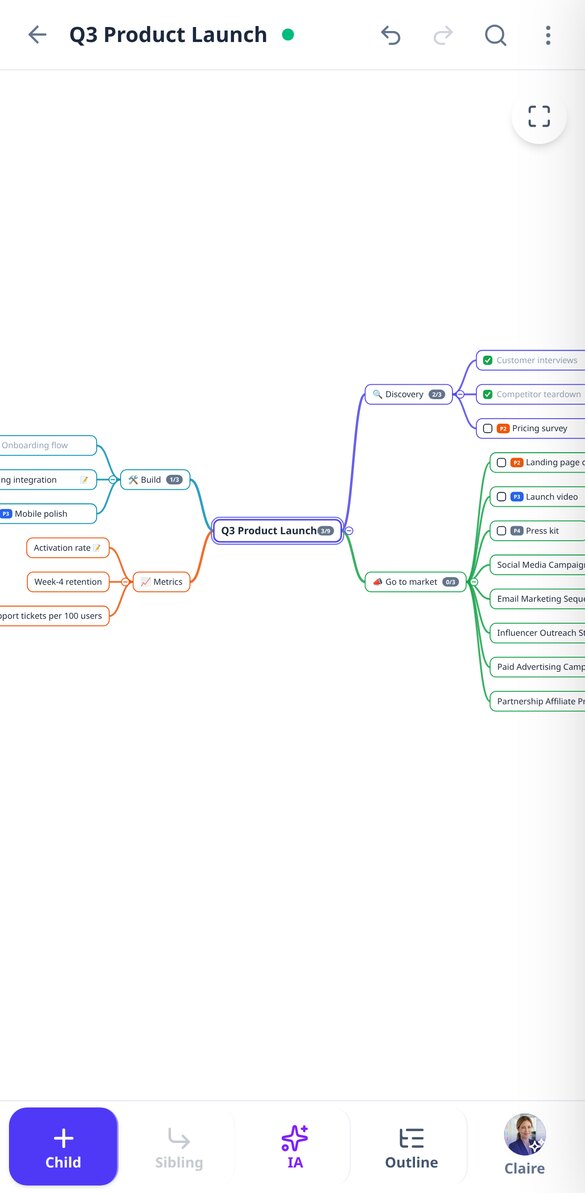

Discover every feature in detail
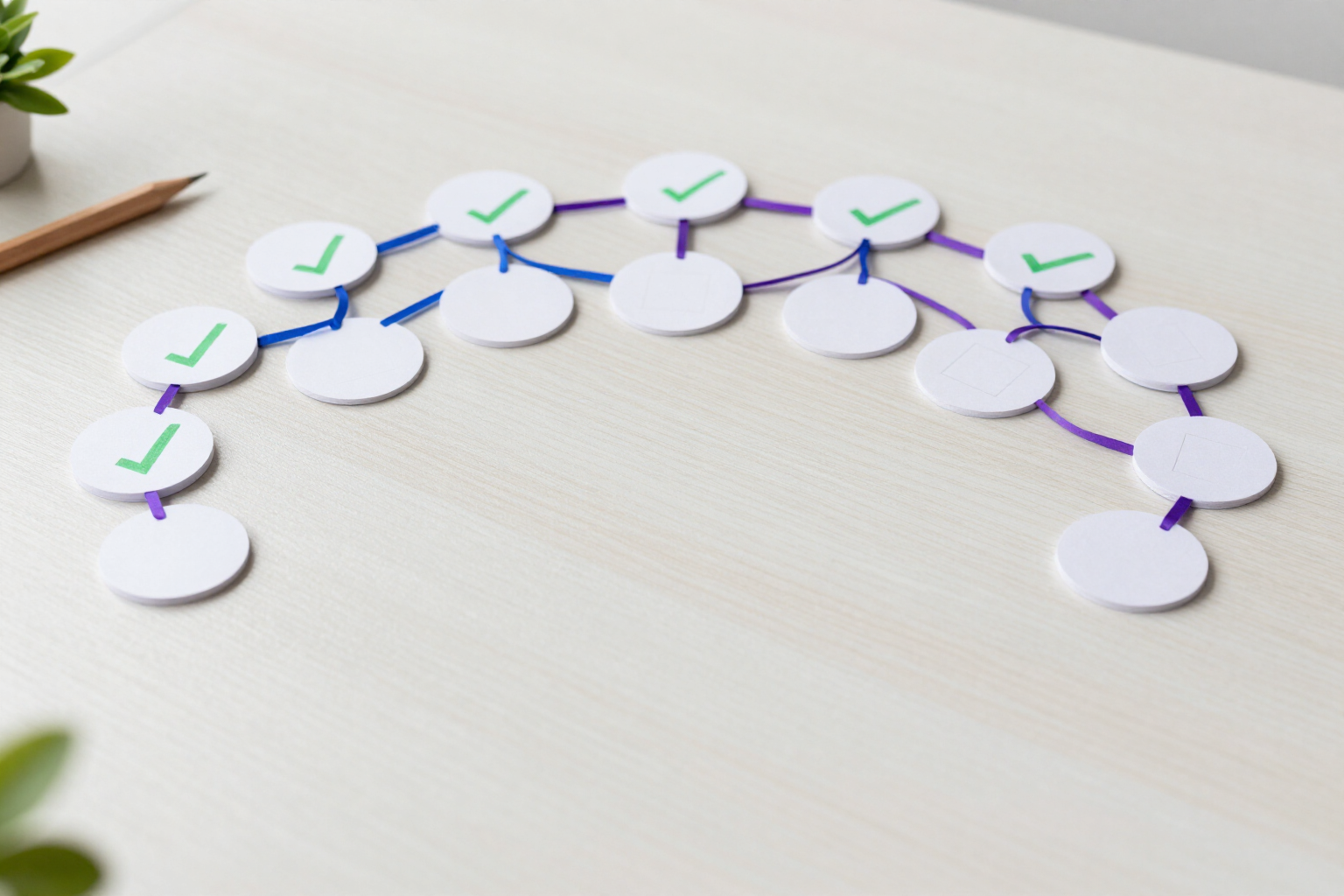
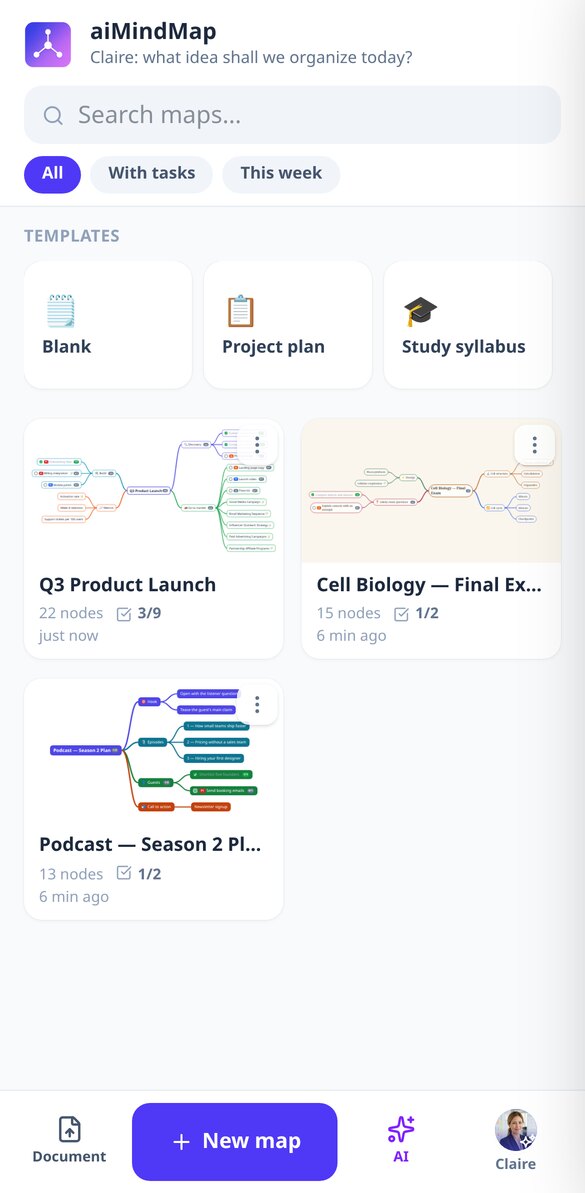
Mind map with tasks and checkboxes: mark what's done in aiMindMap
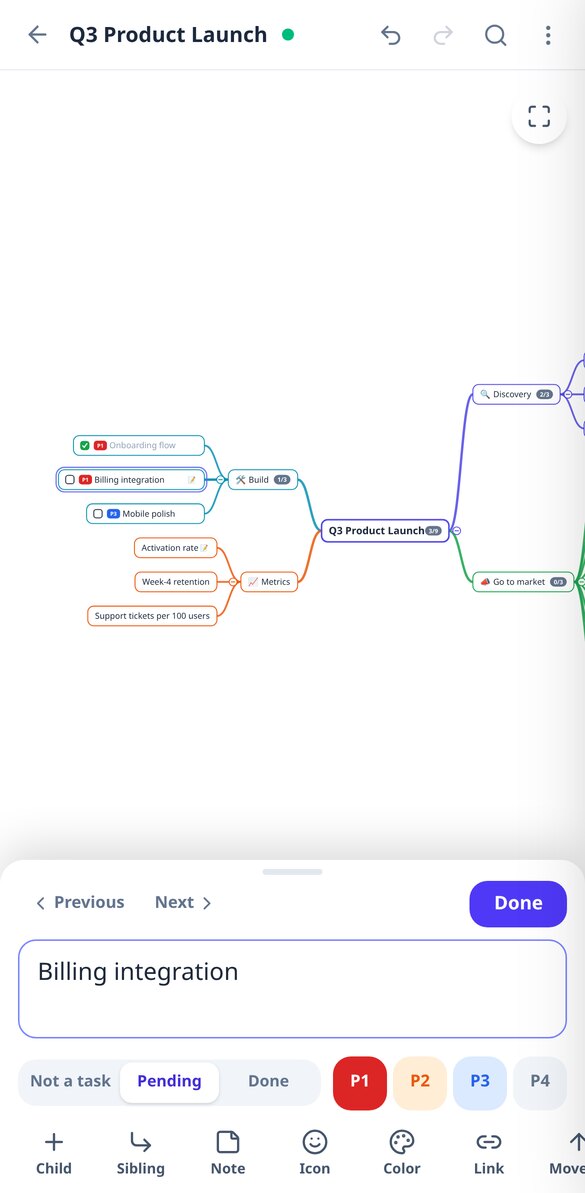
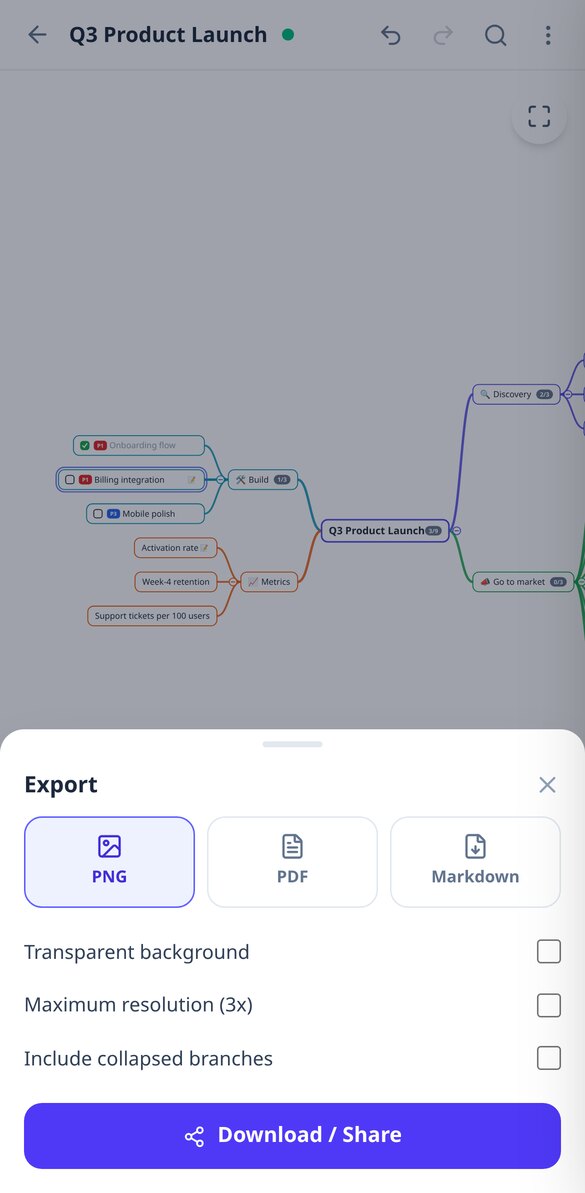
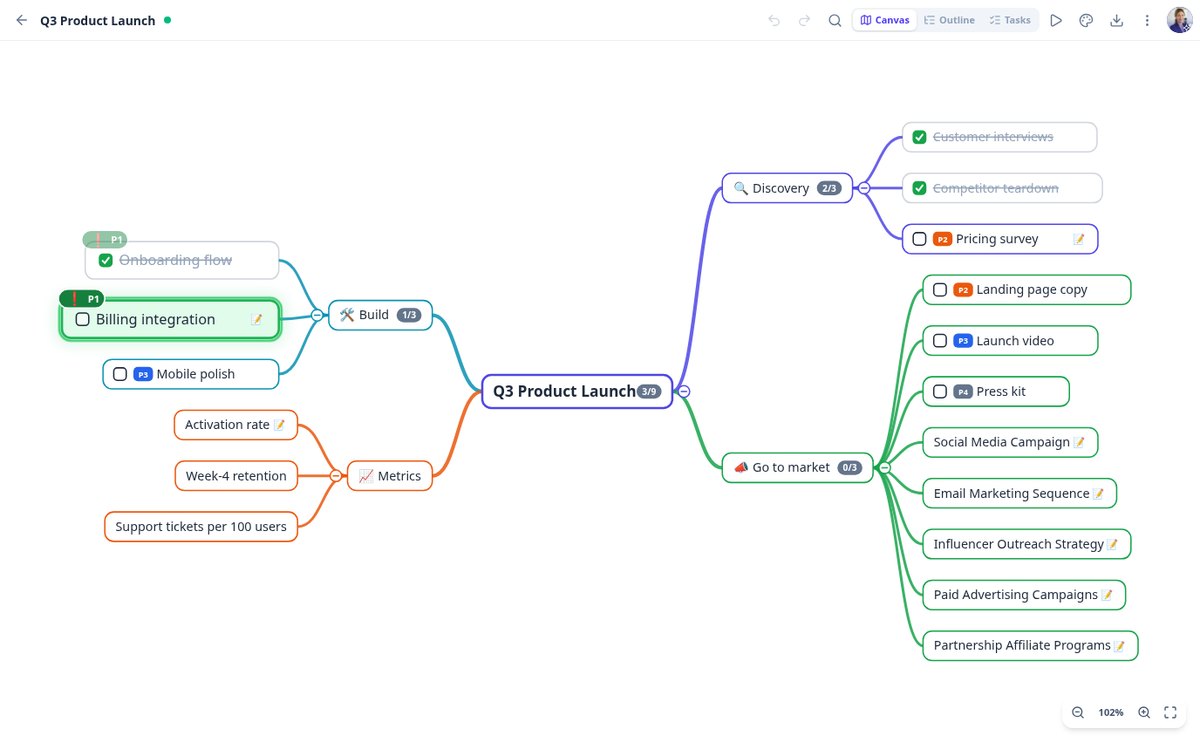
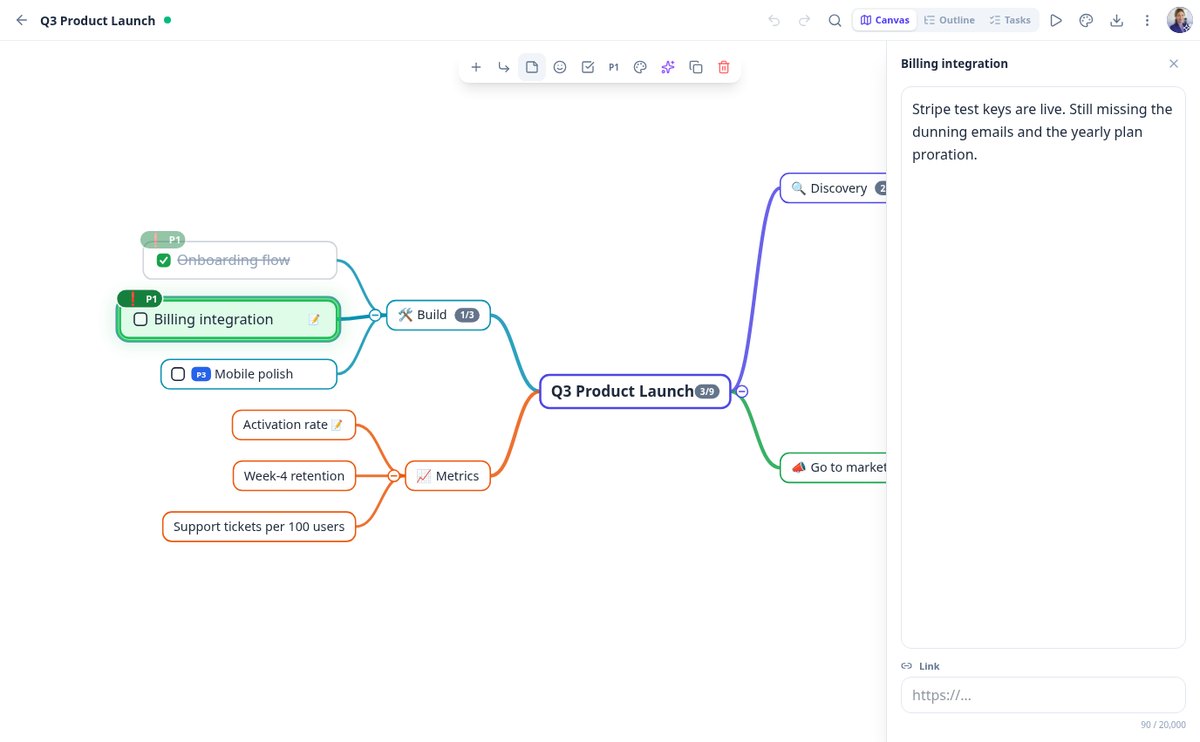
Turn any node of your mind map into a task with a checkbox: pending or done with one click, progress by branch, pending view, and export to Markdown with [ ] and [x].
View feature
Create a mind map with AI from a topic | aiMindMap
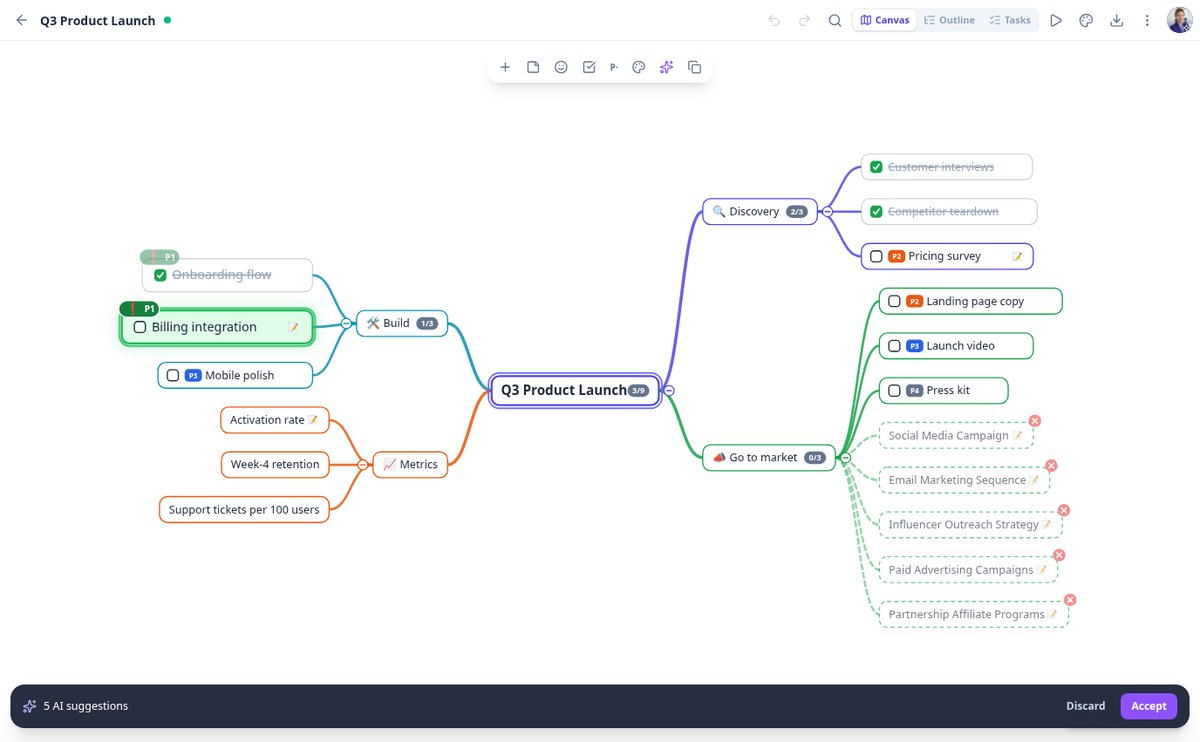
Write the topic, choose 2 or 3 levels, and 4 to 8 branches, and the AI generates the complete mind map with notes on each node. You review it as a suggestion and either accept or discard it.
View feature
Convert a PDF to a mind map with AI | aiMindMap
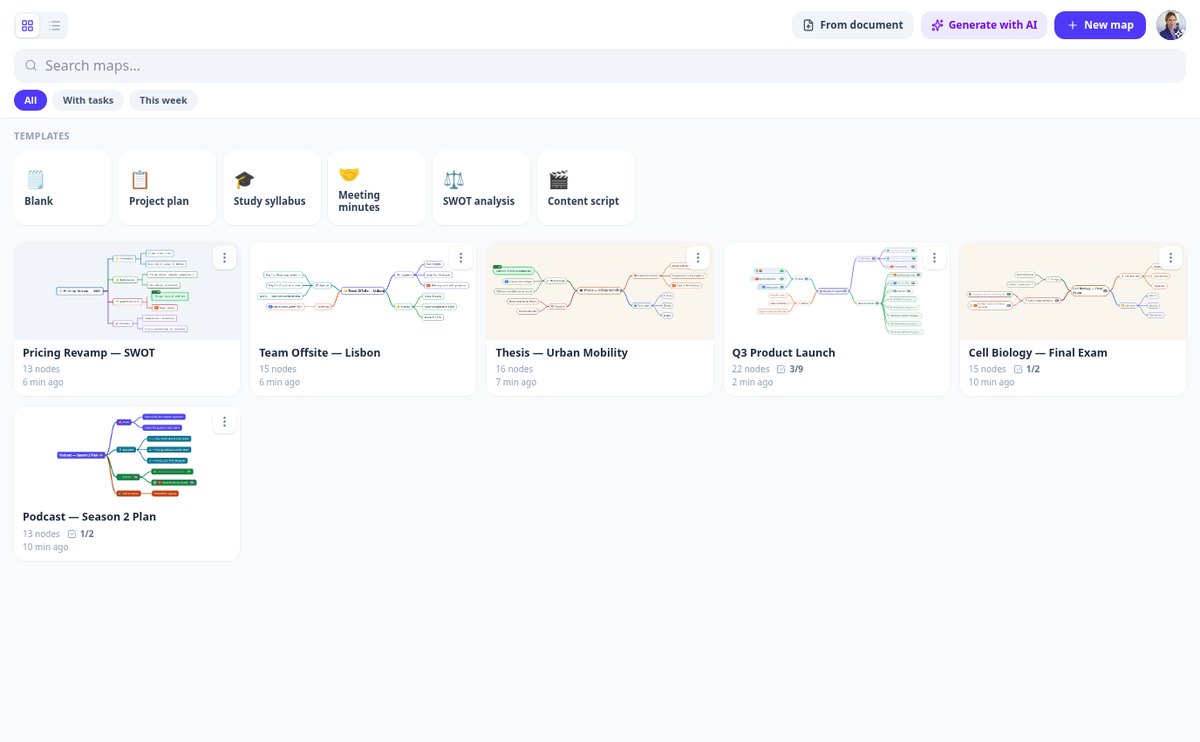
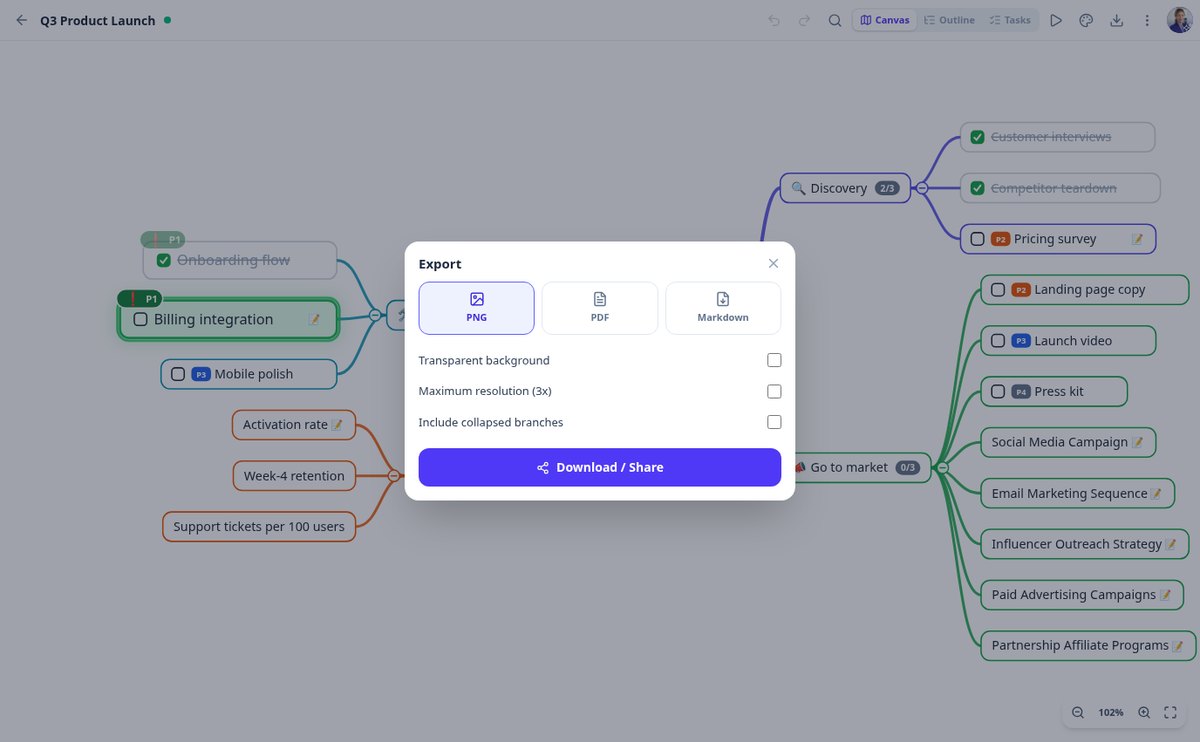
Upload a PDF, DOCX, TXT, or a photo of your notes and the AI from aiMindMap will convert it into a branching mind map. Read scanned documents with vision, three approaches (outline, task plan, or summary), and export to PNG, PDF, and Markdown.
View feature
Expand a branch of your mind map with AI | aiMindMap
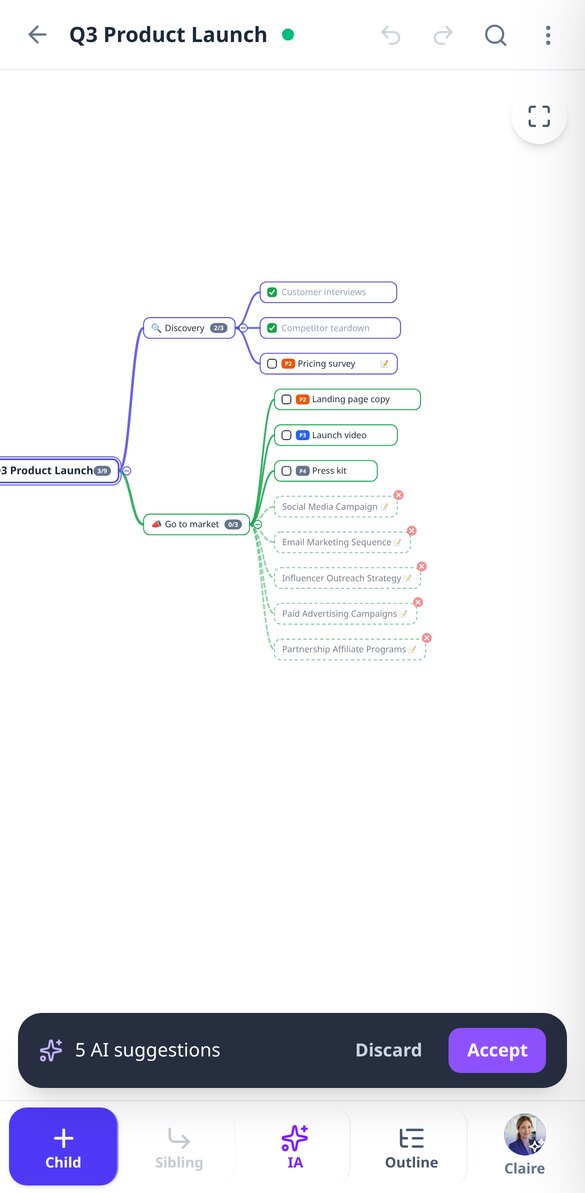
Select a node and the AI proposes 3, 5, or 8 new sub-ideas that are coherent with the branch and do not repeat the existing children. They come as bullet-point suggestions: you can accept or discard them.
View feature
Mind map and indented outline at the same time | aiMindMap
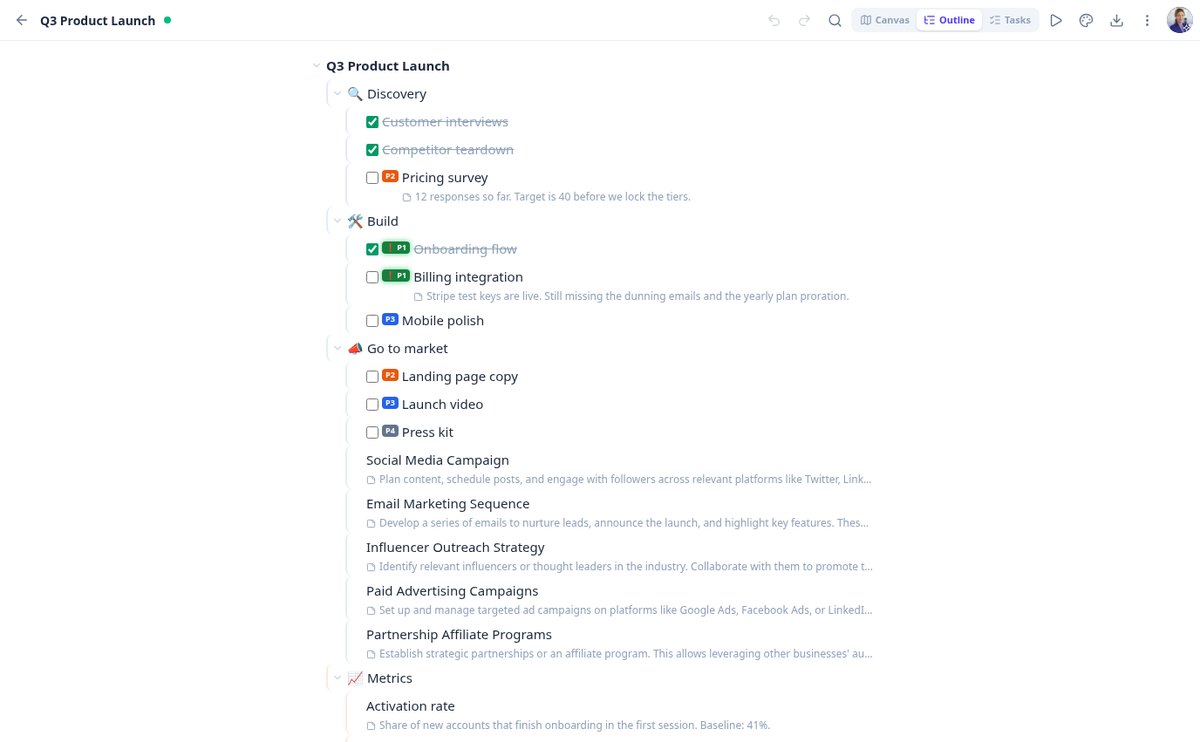
Transform your mind map into an editable indented outline and return to the canvas without losing anything: Tab and Enter to write, Ctrl+arrows to reorder, tasks, priorities, and notes visible.
View feature
Present a mind map without slides | aiMindMap
Present your mind map branch by branch in full screen: automatic camera, rest of the map dimmed, your notes as a script, progress bar, and control with arrows, space or swipe. Esc returns to the editor where you were.
View featureWhat makes aiMindMap different
Caratteristiche progettate per semplificare il tuo lavoro.

The map comes from your topic or your document
Describe the topic and choose depth and number of branches, or upload a PDF, DOCX, TXT, or a photo of your notes and choose the approach: conceptual outline, action plan, or executive summary. AI also expands any branch with new ideas, rewrites a node to shorten or clarify it, and suggests reorganizing the map by merging duplicates. Everything is previewed as dotted nodes that you accept or discard: nothing enters your map without your permission.
You type, the map organizes itself
You never place a node manually. Auto-layout spreads branches left and right without overlaps and keeps the node you're editing fixed on screen while the rest rearranges. Drag a branch to hang it from another parent, collapse what you're not looking at —with a counter of what it hides—, undo up to a hundred steps, and forget about saving: it saves automatically as you type.

The same map, as an outline, on screen, and in a file
Switch to outline mode and edit it as an indented list, or present the map branch by branch in full screen. Each node supports a long note, link, emoji, color, task status, and P1-P4 priority, with accumulated progress on each branch. And when you want to export it: high-resolution PNG, PDF, or Markdown to paste into Notion or Obsidian.
From idea to map in three steps
Carica i tuoi file
Trascina e rilascia i tuoi documenti sulla piattaforma.
Organizza le tue cartelle
Crea cartelle e organizza i tuoi file secondo le tue esigenze.
Richiedi e condividi
Utilizza l'IA per cercare informazioni e condividi facilmente i tuoi file.
Frequently Asked Questions
Latest blog articles
Guides and news to get more out of it

Mind map, concept map, and outline: differences and when to use each one
Mind map (Buzan), concept map (Novak), and classic outline: what each one represents, what research says, and a table to choose yours.

How to Create a Mind Map for Studying: Method, Evidence, and Mistakes That Ruin It
How to create a mind map for studying step by step: how many branches, what the evidence says (g=0.58), and how to use AI without stopping learning.
Stop writing lists and start seeing the structure
Unisciti ad AisDrive oggi e trasforma il tuo modo di lavorare.